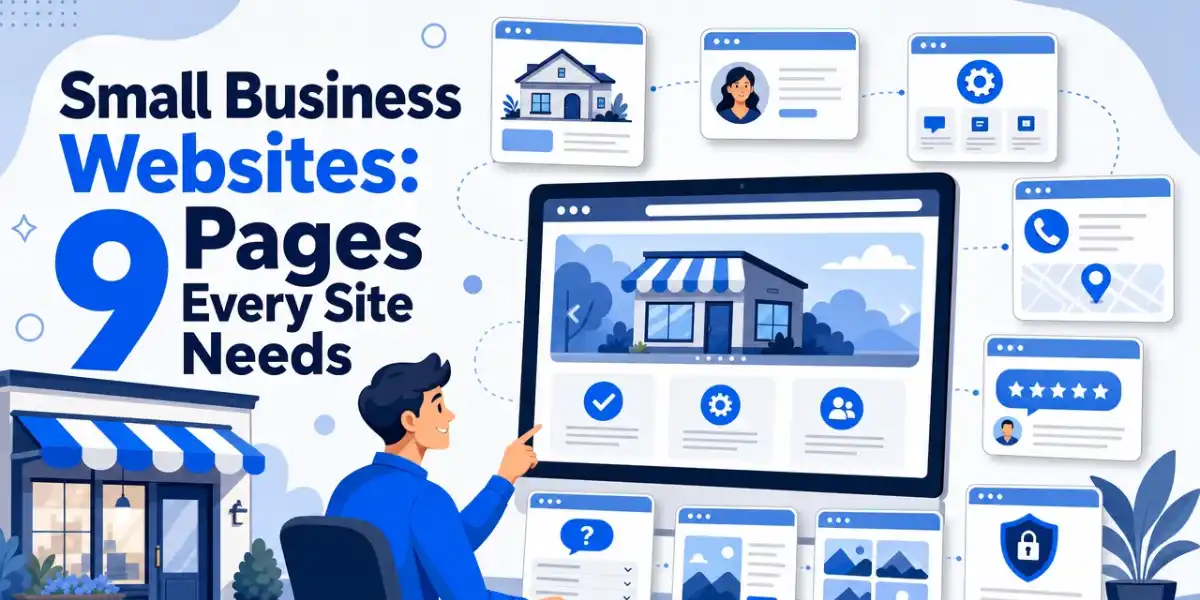
A small business website needs at least nine key pages to attract local customers and improve search rankings. The homepage, about us, services, and contact pages are the most crucial for trust, clarity, and conversions. Adding detailed service pages and local SEO elements helps generate leads and improve local search rankings. Properly structured pages ensure visitors trust your business and contact you easily.
Most small business owners think a website just needs a home page and a contact page. That’s not enough.
I build websites for local businesses across Durham Region. I’ve seen what works and what doesn’t.
What to know about small business websites
A strong small business website does more than look good. It helps people see what you do, trust your business, and contact you fast. That matters even more now, because most local buyers compare a few companies before they call.
For Durham Region businesses, the right pages also support local search. They help Google match your site to services, towns, and buyer intent. A clear site structure can bring better leads, fewer dead-end visits, and more calls from the right people.
1. Homepage
Your homepage should explain who you are in seconds. It is the front door of your site, so it needs to say what you do, who you help, and what to do next. Google also prefers complete, accurate business details for local visibility.

Hero Section – This is the first thing visitors see. It needs a clear headline about your service, a strong image, and a button that tells visitors what to do next.
Social Proof or Trusted By – Right after the hero, show visitors you’re credible. This could be logos of brands you’ve worked with, a review score, or a line about how many customers you’ve served.
Features or Services Overview – Give a quick snapshot of what you offer. Keep it short. This isn’t the place for full details, that’s what your services page is for.
About Us Hook – Give visitors a taste of your story. A few sentences work well here. Link to your full about page for anyone who wants more.
Testimonials and Reviews -Pull in a few strong reviews here. This builds trust early, before visitors even reach your dedicated reviews page.
Recent Blogs or How-To Articles – Show a handful of your latest posts. This keeps your home page fresh and gives visitors a reason to explore deeper into your site.
Final Call to Action Before the Footer – Close the page with one more push. A banner that prompts visitors to take a final action, like scheduling a consultation, works well here.
Don’t try to cram every detail onto the homepage. Save the details for the pages built to hold them.
2. About Us page
People buy from businesses they trust. Your about page should tell your story. Share why you started your business. Talk about your values and what makes you different.
Start with a headline that explains exactly who you are and how you help.
Include a “Meet The Team” section with photos and a short snippet about each employee.
I always tell clients to skip the corporate language. Write like you’re talking to a neighbour, not a boardroom.
3. Services or Products page
This page answers one question: what do you actually offer?
List each product/service clearly. Use short descriptions. Avoid vague terms like “comprehensive” “solutions” or “excellence.”
If your business offers many services, give each one its own page. Don’t just list them all on one crowded page.
This matters for SEO. Search engines rank pages based on how well they match a specific search. A page built around one service, with its own keywords and details, ranks better than a general page trying to cover everything at once.
Separate pages also help your customers. Someone searching for a specific product or service lands on a page built just for that need, not a page they have to scroll through to find it.
4. Testimonials or Reviews Page
This is one of the most important pages on your site. Yet most small business sites skip it or treat it as an afterthought.
Here’s what I’ve learned building sites for local businesses. Real, verified reviews build trust fast. I pull reviews directly from Google and display them on the site.
Visitors can see they’re real. They can check them on Google themselves if they want. That verification matters.
When I’ve added a Google-verified reviews page for clients, businesses get more phone calls. People trust proof more than promises.
5. Location or Service Area Page
If you serve a specific city or region, you need a page that says so clearly.
This matters a lot for local search. When someone searches “plumber in Ajax” or “dentist in Pickering Village,” Google looks for pages that mention that exact area.
List the towns or neighbourhoods you serve. Mention local landmarks if it fits naturally. This helps both visitors and search engines understand where you work.
Portfolio or Gallery Page
If your work is visual, show it. Photos of past projects do more convincing than words ever could.
This page works well for:
- Contractors and renovators
- Designers
- Landscapers
- Any business with visible results
Use real photos of your own work whenever possible. Stock photos feel fake and visitors can usually tell.
7. Blog Page
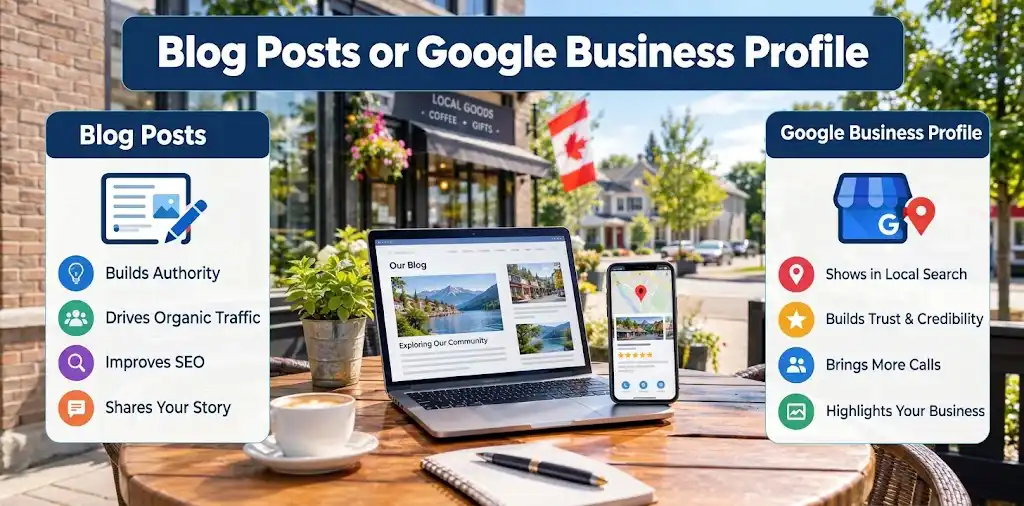
A blog page isn’t just for sharing news. It’s one of the best tools for local SEO. Every blog post is a new chance to show up in search results. It also lets you answer customer questions in more depth than your FAQ page allows. You don’t need to post every day. Consistency is more important that frequency. Even one useful post a month helps your site grow over time.
If you’re building a content strategy or deciding on a platform to host your blog, check out my guide on the pros and cons of AI website builders for small business to see if automated site builders offer the blogging capabilities and SEO flexibility your business needs.”
FAQ Page
Including a FAQ page saves you time and builds trust before someone even calls.
Think about the questions you answer every week. Write them down. Answer them clearly on this page.
This page also helps your SEO. Search engines love clear, direct answers to real questions people search for.
Contact Page
Your contact page needs to make it easy to reach you. Too many businesses get this wrong.
Here’s a mistake I see constantly: contact forms with too many fields. A form asking for your name, email, phone number, address, company size, and a detailed message will scare people away.
Visitors want a fast way to reach you. Long forms discourage them from filling anything out at all.
Keep your contact form short:
- Name
- Email or phone
- A short message field
Add your phone number and address too. Some people just want to call.
How to choose the right pages for your site
Pick pages based on what helps visitors trust you and contact you fast.
- Start with Home, Services, and Contact. These explain what you do right away.
- Add About Us and Reviews. Service firms in Durham Region need trust before a call.
- Build service pages around real searches your customers use, like roofing, paralegal help, or legal services.
- Show Oshawa, Whitby, Ajax, or your full service area on key pages.
- Use FAQ and Blog pages to answer common questions and grow search traffic.
- Add a Gallery or Portfolio if your work is visual.
Missing key pages costs leads and local rankings. Let Durham Web Designer build a WordPress site that ranks in Durham Region and turns visits into calls.
Frequently Asked Questions
Q1: What are the essential pages for a small business website in Canada?
Start with these nine: Home, About, Services, Location or Service Area, Testimonials, Portfolio, FAQ, Blog, and Contact. Canadian service businesses also need clear privacy terms, strong calls to action, and local details like cities served, phone, and hours.
Q2: How can a small business in Oshawa create a high-converting website?
Use one goal per page. Add local proof, clear service areas, fast mobile design, and easy contact forms. Put calls to action above the fold. Durham Web Designer often helps Oshawa businesses fix weak page structure that hurts leads.
Q3: Which pages are most important for local SEO in Durham Region small business websites?
Your Home, Services, Location or Service Area, and Contact pages matter most. These pages should mention Durham Region towns, service types, and contact details. A strong FAQ and blog can also help you rank for local search terms and buyer questions.

Larry is a local web designer located in Oshawa, Ontario. He specializes in building WordPress websites for service-based businesses in Durham Region, and is committed to helping his clients outrank their competition.